Activate your card and set your PIN
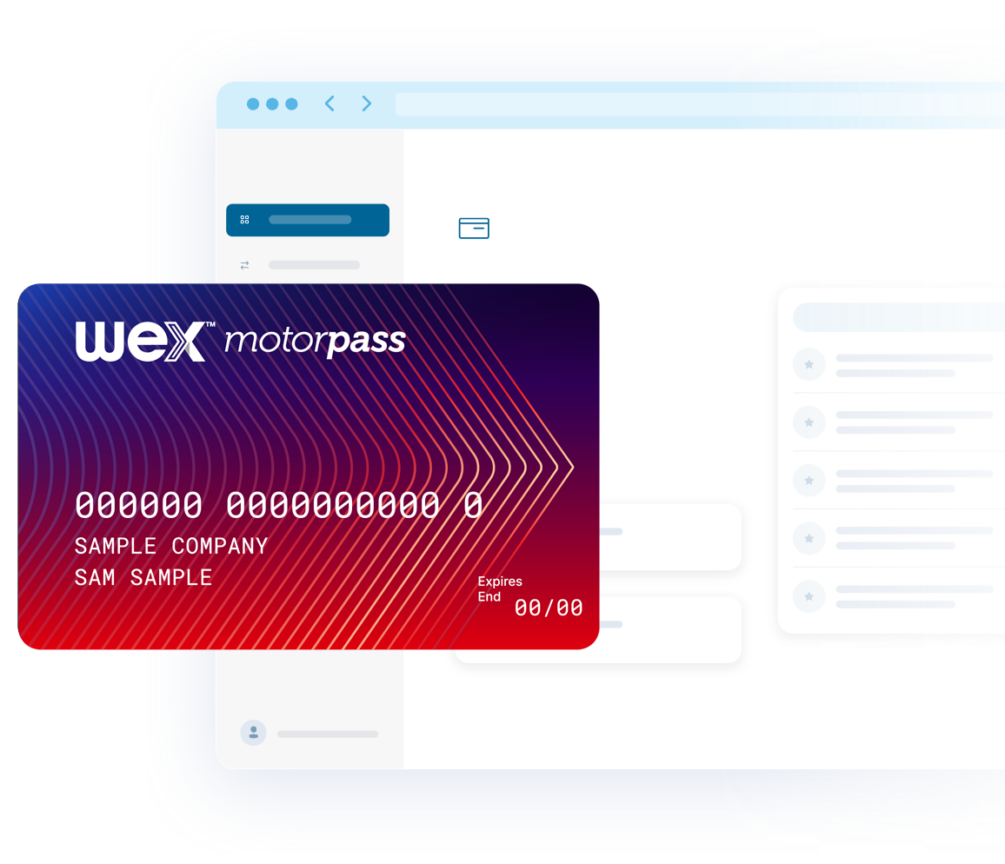
Before you start using your fuel cards, they’ll need to be activated. Simply follow the steps below.
Step 1
Log in to your online account. Your login details were emailed to you via the email address provided in your application. If you haven’t received your login information, please contact our Customer Service team at enquiries@wexaustralia.com or 1300 366 109.
Pay2Go accounts: once logged in, add money to your account before moving to Step 2.
Step 2
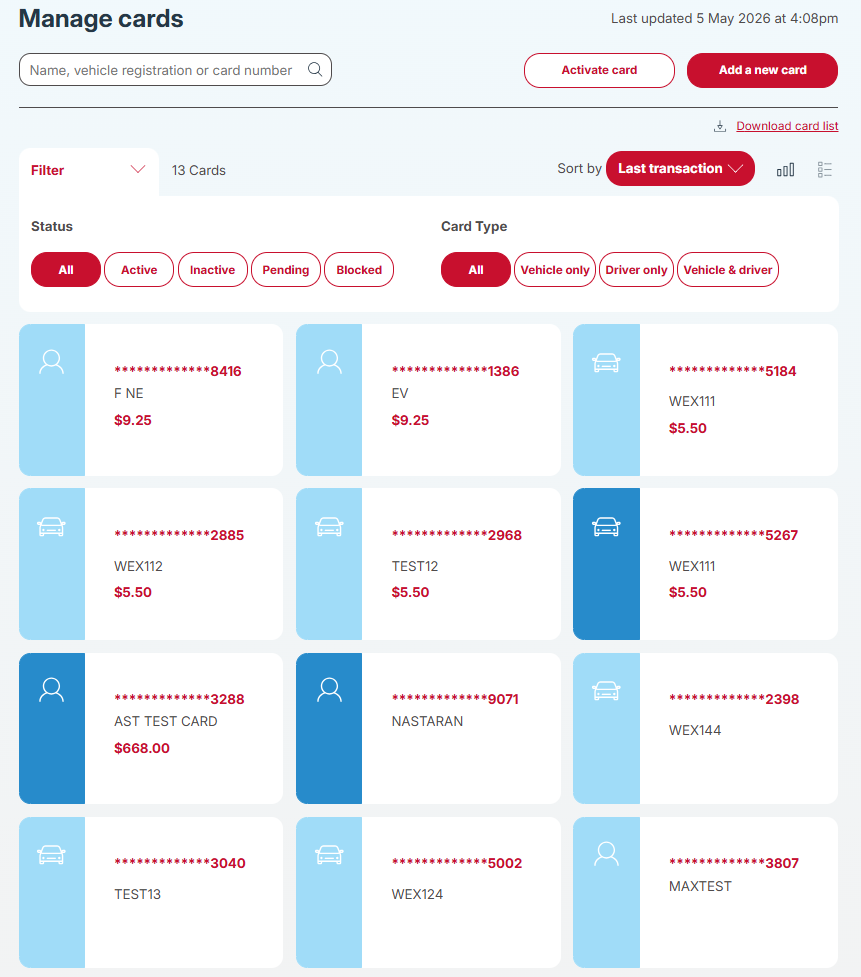
Click on ‘Cards’ in the top menu and then click the ‘Activate Card’ button. Here you’ll see the card(s) requiring activation.
Step 3
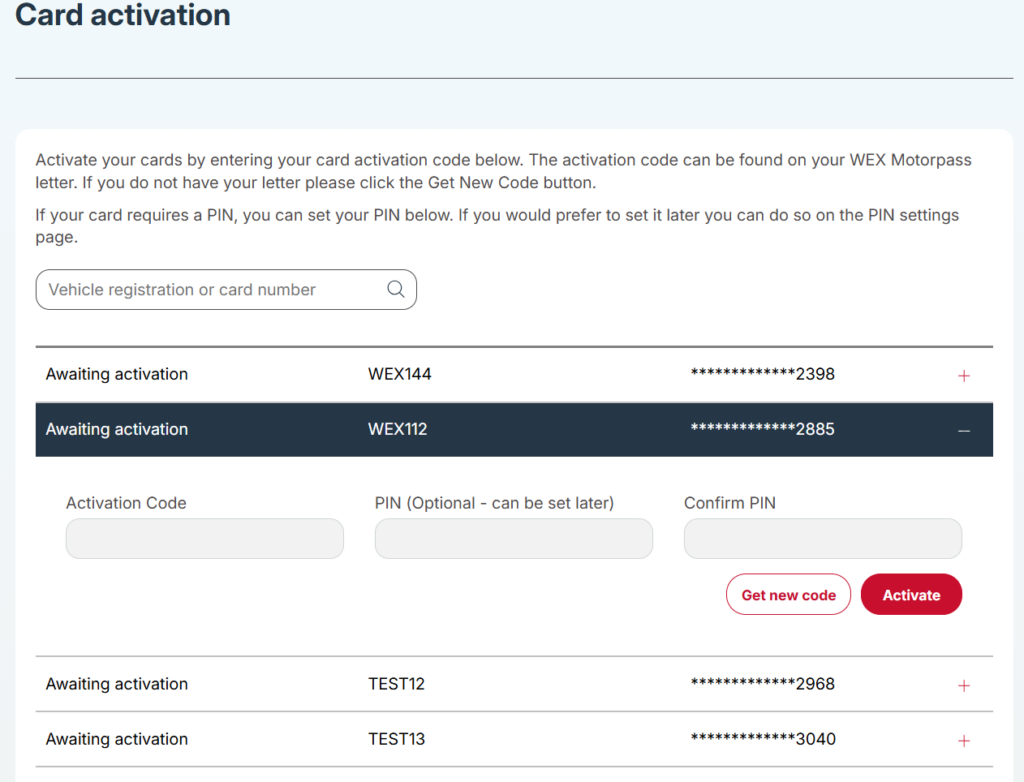
Select the card you wish to activate and click ‘Get new code’. If an authentication window is presented, follow the steps. Once successfully authenticated, your code will be generated and populated into the ‘Activation Code’ field.
Step 4
If the sticker on your card asks you to, please set your PIN using the ‘PIN’ and ‘Confirm PIN’ fields.
To have the driver set their own PIN, skip the PIN fields and direct them to the “Set your PIN by phone” section.
Step 5
To complete activation, click ‘Activate’. Your card is now ready to be used.
Repeat steps 3 and 4 for any additional cards.
How to add money to your Pay2Go account
Step 1
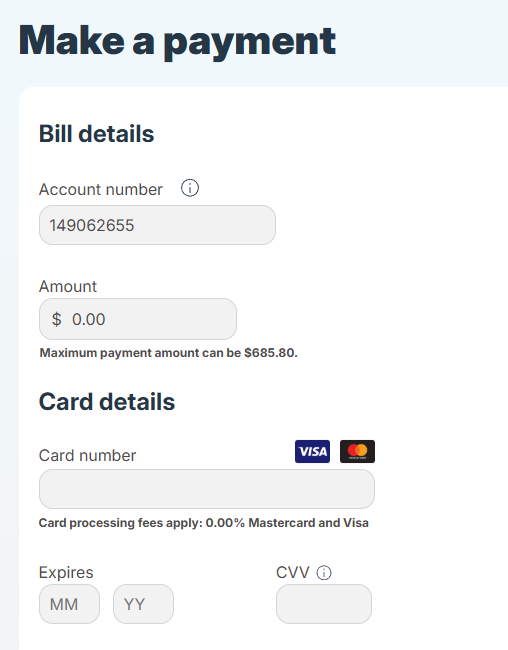
Click on ‘Make a payment’ and add money to your account, you can add up to $999.99. Once you’ve completed this step, follow Step 2 above to activate your cards.
Set your PIN by phone
This is a great option if you’d like drivers to set their own PIN for their card. Drivers can do this after the card has been activated by following the steps below:
Step 1
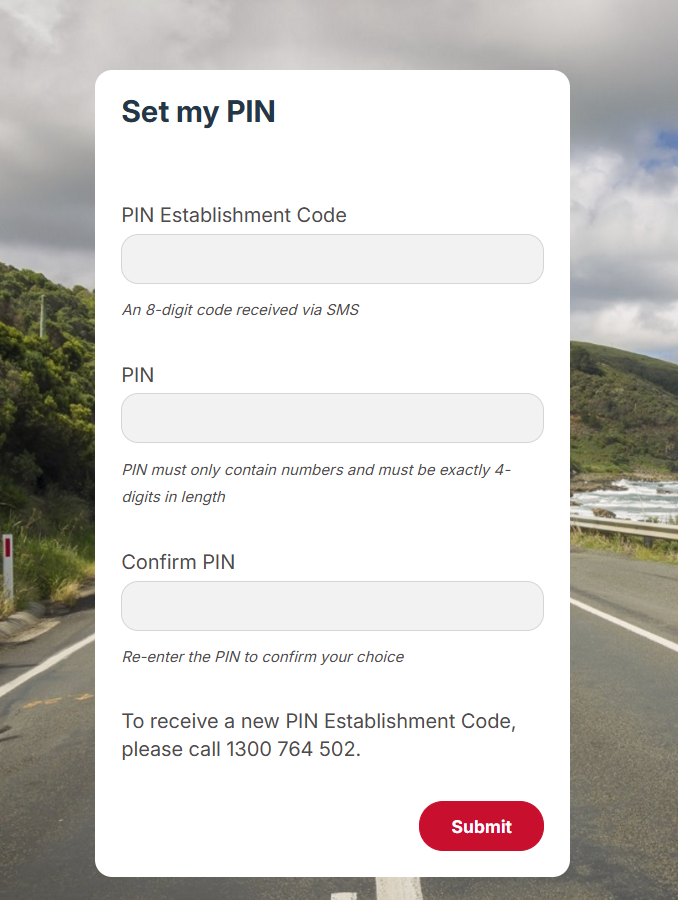
Call 1300 764 502 to get a PIN Establishment Code. The cardholder will need their card number and mobile number.
Step 2
Visit setupmypin.com.au. Enter the PIN Establishment Code in the ‘PIN Establishment Code’ field and the PIN in the ‘PIN’ and ‘Confirm PIN’ fields and click ‘Submit’. Your card is now ready to be used.